

Your new website represents months of intentional brand strategy. But as you ramp up Content Velocity—the speed at which you publish new updates—you face a hidden risk: Design Drift.
As you rapidly add content, unintentional changes to color, typography, and media can silently break accessibility compliance. These oversights don’t just alienate users; they expose your business to lawsuits and expensive rework. To protect your investment, you need a tool that audits your site as fast as your marketing team updates it. That’s why we recommend UserWay.
Maintaining accessibility is difficult because content changes constantly. While the design and structure may be perfect at launch, new images, third-party scripts, and editorial updates can quickly introduce WCAG violations.
In the past, companies relied on periodic third-party audits to manually comb through hundreds or thousands of pages, resulting in costly reports that were already out of date by the time they were completed. By contrast, an automated solution like Userway is a continuous compliance engine that integrates directly into your WordPress infrastructure to monitor changes the moment they go live.
UserWay is an automated solution that connects to your WordPress site to find and fix accessibility issues instantly. Instead of waiting for a developer to manually update code each time you find an error, UserWay ensures your site automatically meets important standards (such as ADA and WCAG 2.1). This protects your brand from compliance risks and keeps your site accessible for everyone, even as your team adds new pages and updates content.
The platform handles the heavy lifting through three main features:
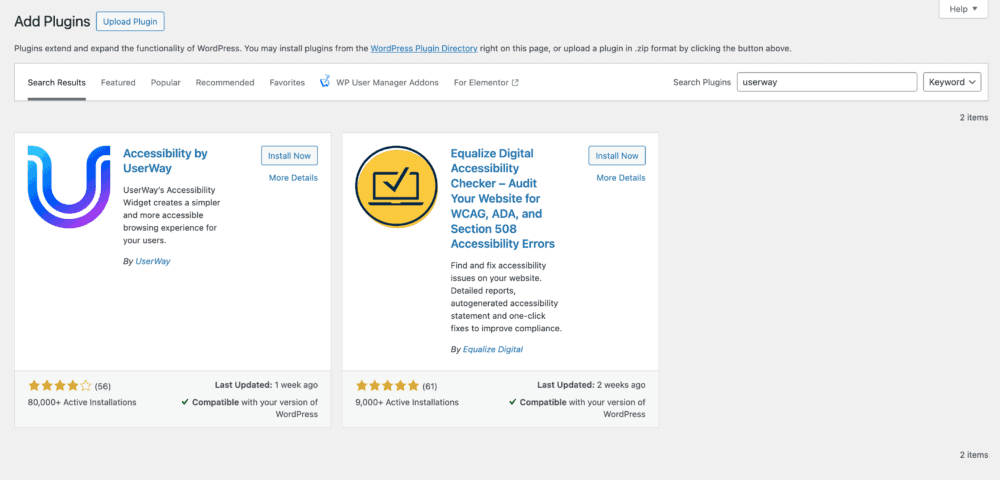
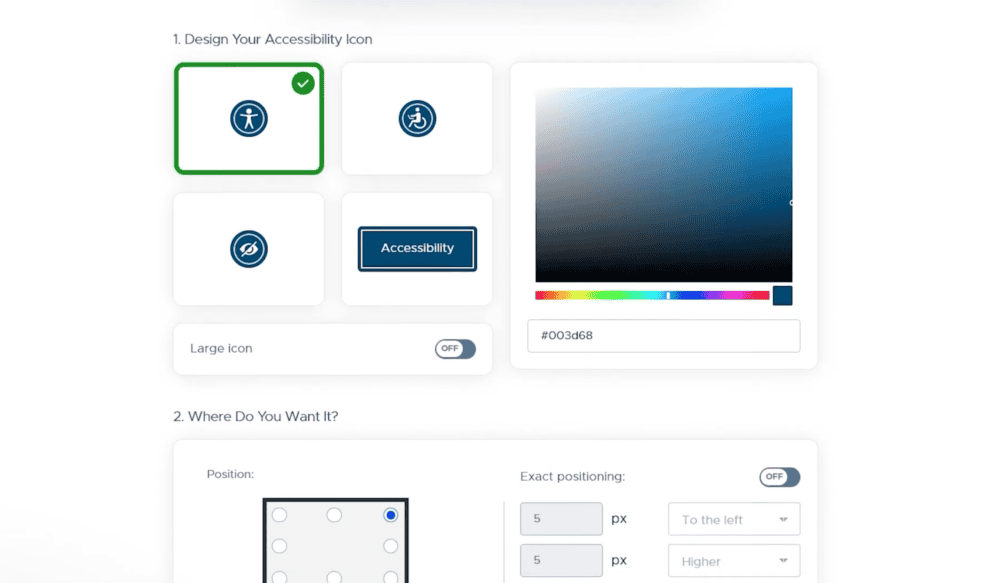
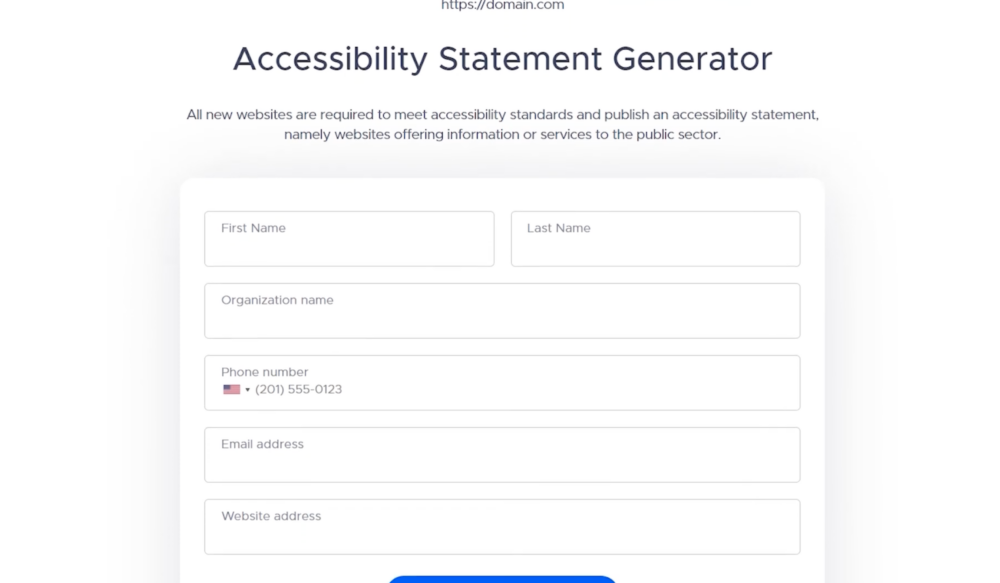
If you prefer to minimize the number of plugins on your site, or if you are using a custom theme, you can manually integrate UserWay by pasting a simple script directly into your code.
While doing the right thing for your users is the primary goal, automated accessibility also delivers hard business value. Integrating a tool like UserWay transforms accessibility from a technical chore into a strategic advantage.
Digital accessibility lawsuits are on the rise, and even minor, unintentional errors can make your business a target. Relying solely on manual audits leaves gaps between checks that leave your site vulnerable. By using an automated solution that monitors and fixes issues as they occur, you significantly reduce your legal exposure and avoid the stress and cost of emergency remediation.
There is a strong correlation between accessibility and search engine performance. Google’s indexing bots “read” websites in a way that is very similar to screen readers used by people with visual impairments. When your site is properly coded for accessibility—with clear headings, proper image descriptions, and logical structures—search engines can better understand and rank your content. This leads to better visibility and more organic traffic.
Your brand strategy likely centers on solving problems for your customers, but if a significant portion of the population cannot navigate your website, that promise falls flat. Implementing a visible, functional accessibility tool demonstrates empathy and inclusivity. It proves to your audience that you value every visitor’s experience, turning accessibility from a backend requirement into a forward-facing statement about your company’s values.
Your website is a living tool, not a static brochure. As your team pushes new content to drive growth, you need a system that keeps pace with your velocity. UserWay acts as your 24/7 insurance policy against accessibility decay, ensuring that the beautiful, functional site you launched today stays that way tomorrow—no matter how many blog posts or landing pages you add.
Don’t wait for a complaint to find out. Contact BizStream today to discuss an accessibility audit and a strategy that protects your brand and your users.

Stay up to date on what BizStream is doing and keep in the loop on the latest in marketing & technology.